
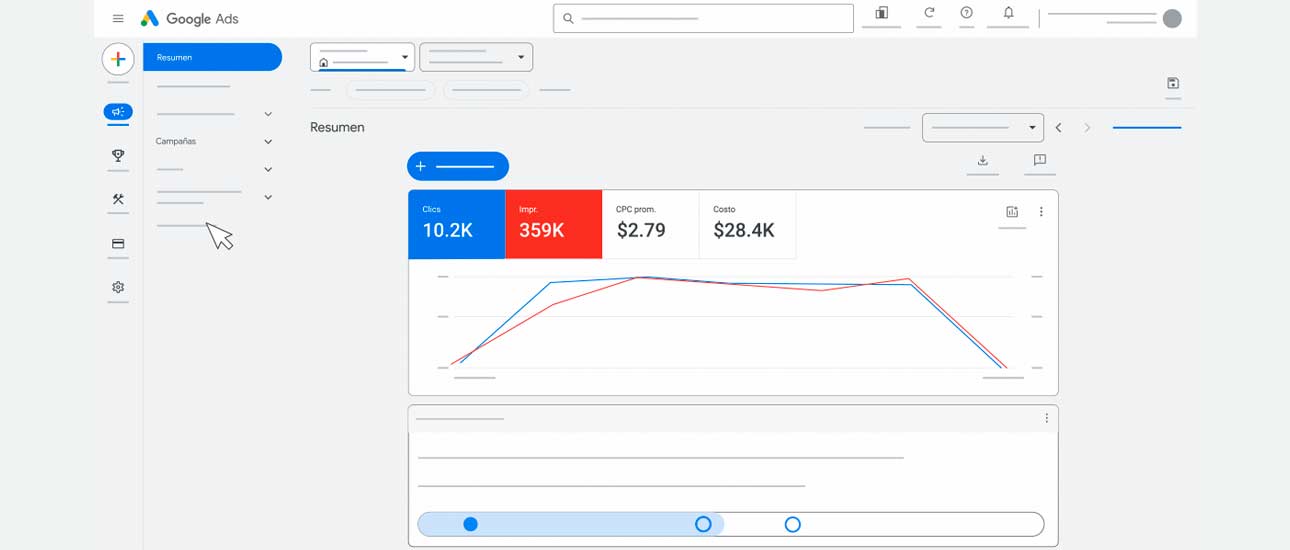
1. Define the campaign objectives
Set the purpose of the campaign: sales, lead generation, increase in traffic, brand recognition, etc.
The platform allows you to choose goals that optimize your budget for specific results.
2. Audience segmentation
Identify your target audience in terms of location, demographics, interests, behaviors and devices.
Use Google tools to fine-tune this targeting and reach the right audience.

3. Research and keyword selection
Use the Keyword Planner to find relevant terms.
Combine broad, phrasing and exact keywords to maximize reach without losing accuracy.
4. Campaign structure and ad groups
Organize your campaigns according to products or services, and group ads by topics or subcategories.
A good structure makes it easy to track and optimize each ad group.
5. Creating effective ads
Design attractive and relevant ads. Include titles, descriptions and a clear call to action.
Use ad extensions like sitelinks, calls or location to improve impact.
6. Define your bid strategy and budget
Set a daily or monthly budget and choose an appropriate bidding strategy (per click, conversions, impressions, etc.).
Adjust budget and bids based on results and ROI.
7. Setting up conversion tracking
Enable conversion tracking to measure key actions (purchases, sent forms, calls, etc.).
Use Google Analytics and Google Tag Manager to integrate data and analyze user behavior.
8. Continuous optimization and adjustments
Monitor campaign performance by looking at CTR, CPC, conversions and CPA.
Adjust keywords, ads, audiences and bids to improve results and profitability.
9. Incorporate remarketing
Use remarketing to target users who have already visited your site or interacted with your ads, increasing the chances of conversion.

10. Perform A/B tests
Experiment with different ads, calls-to-action and extensions to identify what works best.
These steps will help you optimize your Google Ads configuration and improve the performance of your campaigns.